
Remove backgrounds in one click
Cut a clean, transparent cut-out from any product or apparel photo — no masking, no lassoing, no green screen. Drop the result straight onto a garment template.
1 credit per use · included in every plan
See it in action
A real example — drag the handle to compare the original with the result.
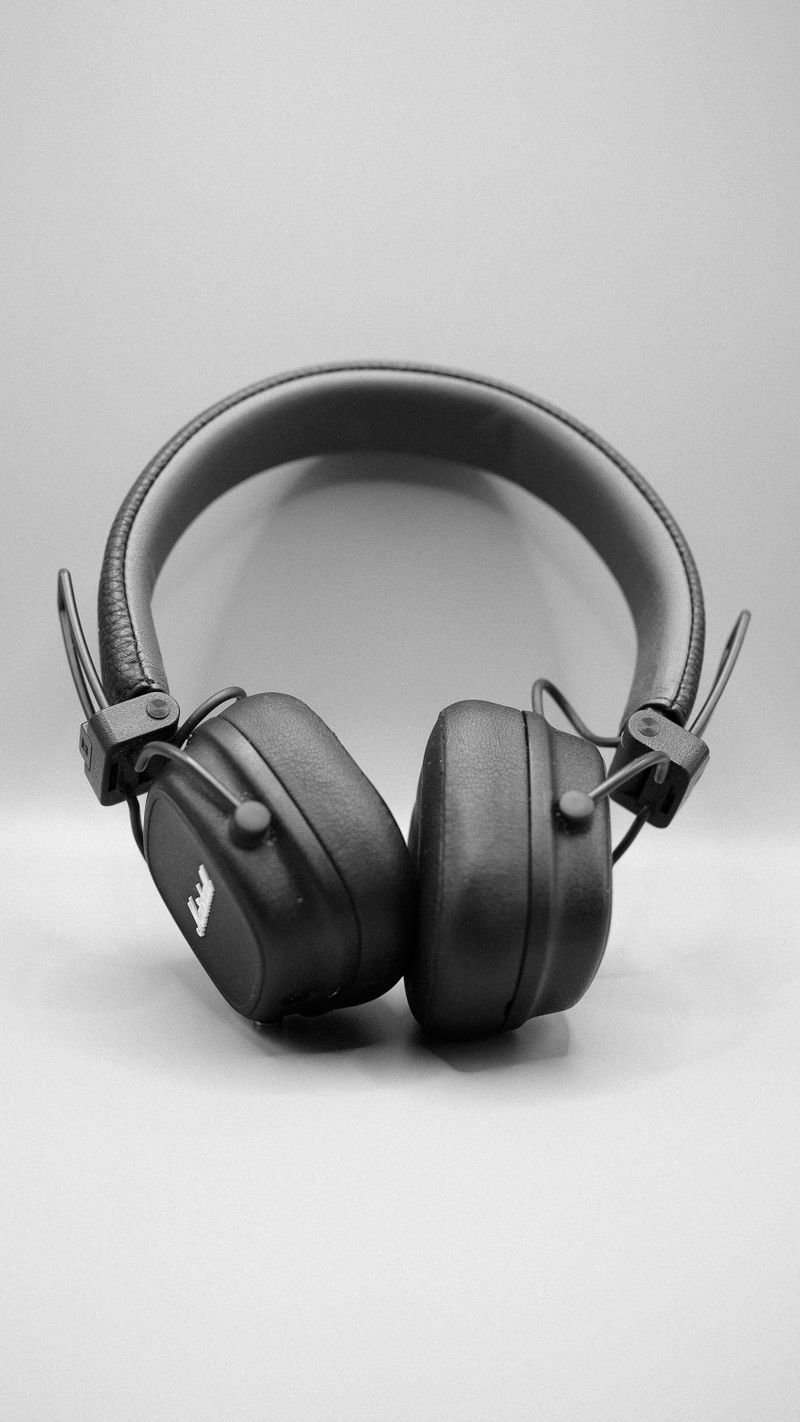
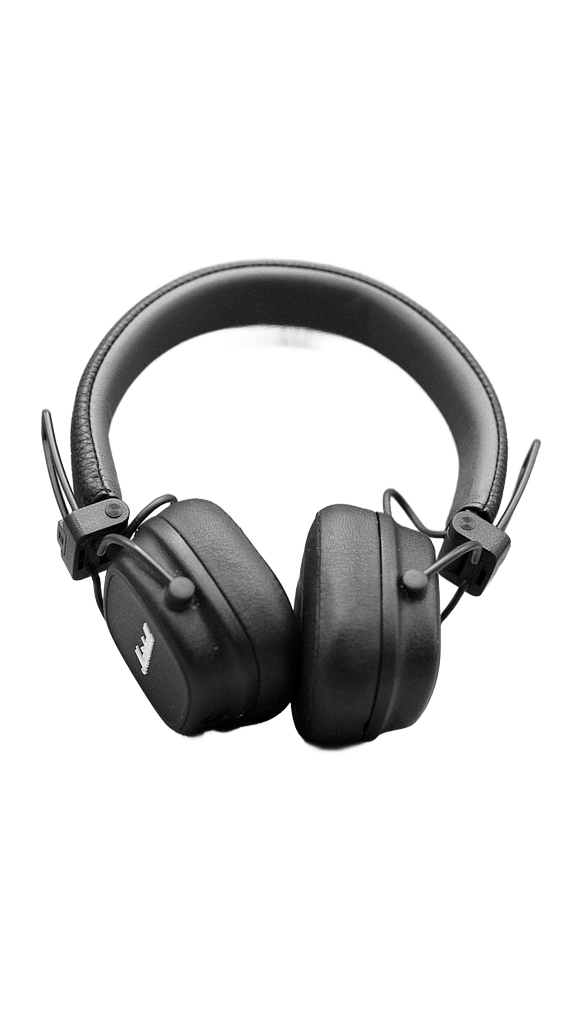 Before
After
Before
After
Edge-accurate cut-outs
AI traces hair, fabric edges and fine detail that manual selection tools smear or miss.
Transparent PNG export
Download a ready-to-use PNG with a transparent background, or a solid colour fill of your choice.
Straight into your design
Send the cut-out onto a garment panel without leaving DropandPrint — no round-trip to another editor.
How it works
Upload a photo
Drag in any product or model shot — JPG or PNG.
Let AI cut it out
The background is removed automatically in a few seconds.
Download or place
Export a transparent PNG, or drop it onto a template.
Frequently asked questions
What kinds of images work best? +
Product shots, apparel on a model or mannequin, and logos all work well. Clear separation between the subject and background gives the cleanest edge.
How many credits does it cost? +
Background removal costs 1 credit per image. Every plan includes a monthly credit allowance.
Ready to try smart background remover?
Start free with 30 credits — no credit card required.
Get started free