
Upscale images to print resolution
Enlarge artwork up to 4× without the blur. AI adds real detail so low-res designs print crisp and clean at full garment size.
2 credits per use · included in every plan
See it in action
A real example — drag the handle to compare the original with the result.
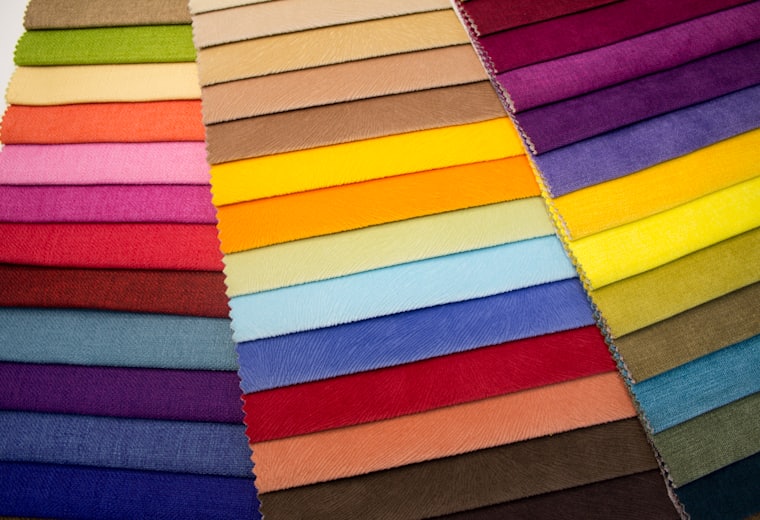 Before
After
Before
After
Up to 4× larger
Take a small image to print dimensions while keeping edges and texture sharp.
Detail, not just pixels
AI reconstructs fine detail instead of stretching and softening what's already there.
Print-ready DPI
Hit the resolution your sublimation printer needs for a full all-over panel.
How it works
Upload your image
Bring in a low-resolution design or photo.
Choose the scale
Pick the upscale factor for your target print size.
Download the upscale
Get a high-resolution file ready to place and print.
Frequently asked questions
Will it fix a very low-quality image? +
It significantly improves sharpness and resolution, but it can't invent detail that was never captured. The better the original, the better the result.
How many credits does it cost? +
Upscaling costs 2 credits per image.